Reading a 1024x768 Micro OLED Spec: Brightness, Contrast and Pixel Geometry
Three numbers on a micro OLED datasheet do most of the work in near-eye design, and they are frequently confused with each other. Brightness describes how much light the panel can produce. Contrast describes the range between that light and the darkest state the panel can hold. Pixel geometry describes how finely the image can be sampled. Only the third is directly visible as sharpness, and only the first is affected by everything you put in front of the panel. A 0.39-inch 1024x768 micro OLED with 7.8-micron pixels, a 1,800 cd/m² maximum brightness and a contrast ratio above 10,000:1 gives a useful example for separating the three.
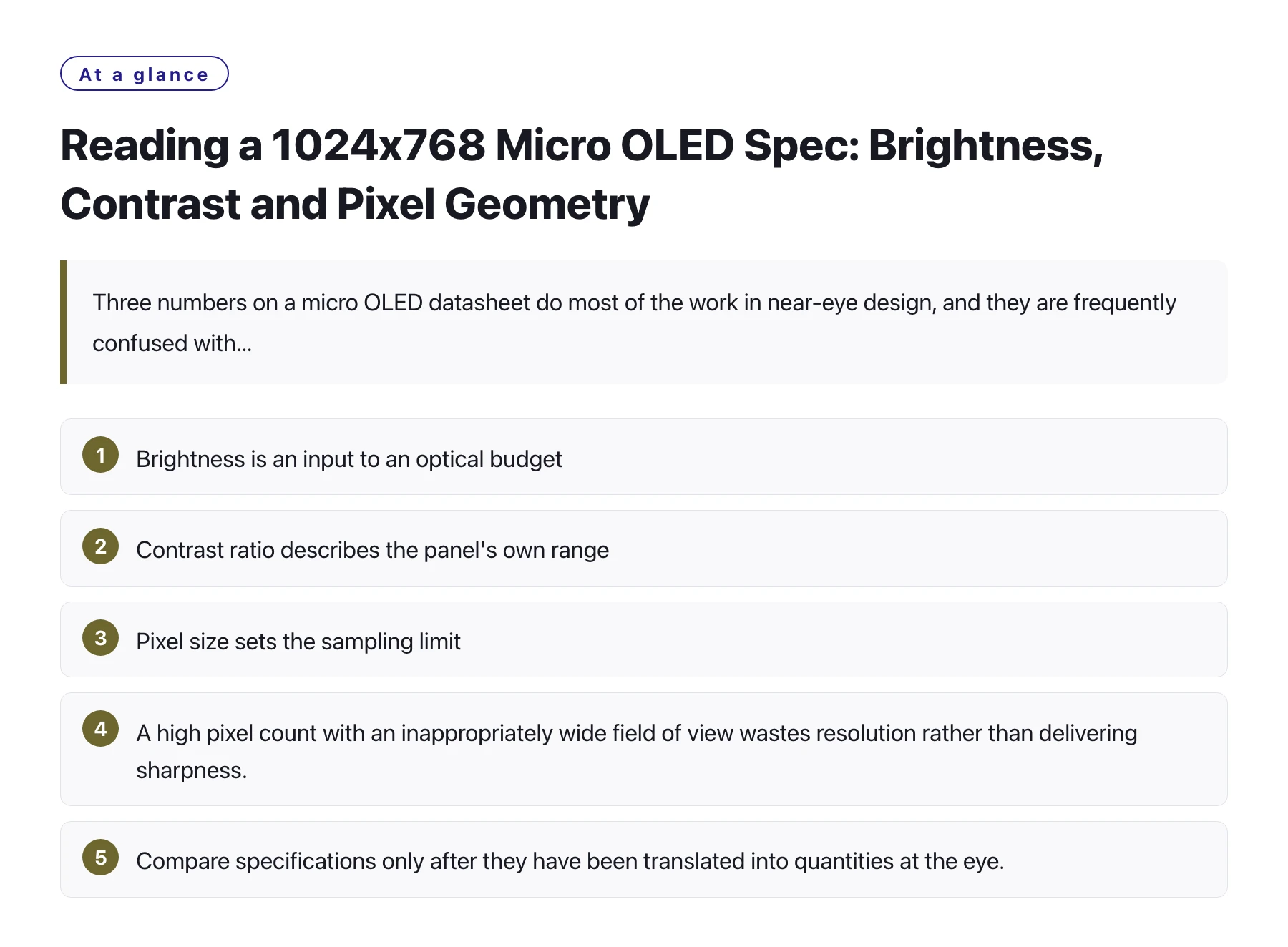
Key takeawaysBrightness is an input to an optical budget; what the eye receives is brightness multiplied by the transmission of everything in the path. · Contrast ratio describes the panel's own range, and stray light in the assembly can compress it substantially. · Pixel size sets the sampling limit, so the field of view and the optical magnification decide whether fine detail is resolvable. · A high pixel count with an inappropriately wide field of view wastes resolution rather than delivering sharpness. · Compare specifications only after they have been translated into quantities at the eye.
Datasheets are written to be accurate, not to be comparable. Each figure is measured under conditions that suit the measurement, and the numbers that appear alongside each other may have been obtained from different test setups with different content.
That makes direct comparison risky. A panel with a higher brightness figure may be judged better even when the extra light cannot be used, and a panel with a high pixel count may be judged sharper even when the optics cannot resolve the extra detail.
The corrective is to translate each specification into the quantity the user experiences before comparing anything. The three sections below do that for brightness, contrast and pixel geometry, using a 0.39-inch 1024x768 panel as the reference point.
Brightness is the beginning of an arithmetic problem
A figure of 1,800 cd/m² measured at the panel is the amount of light leaving the display surface, not the amount arriving at the eye. Every optical surface between the two removes some, and the losses compound along the path. In a simple near-eye design the surviving fraction may be a substantial portion of the original, and in a folded design with more elements it will be less.
The useful form of this number is therefore a budget rather than a headline. Write down the luminance required at the eye for the intended task, divide by the measured transmission of the optical assembly, and the result is the minimum panel brightness that will do the job. Anything above that is headroom, which is valuable for sunlight conditions but should not be mistaken for image quality.
Headroom does have a real use. Being able to raise luminance when the environment is bright, and to dim it when the user is in a dark room, is more valuable than running at the maximum continuously. It also helps thermal design, since the brightest setting need not be the default [1].
Three specifications and what each one governs
| Specification | What it governs | What it does not tell you |
|---|---|---|
| Maximum brightness | The ceiling of the optical budget and the headroom available for bright environments | Whether the image will be legible, because transmission and veiling glare are not included |
| Contrast ratio | The range between the brightest and darkest states the panel can hold [2] | Whether dark areas will look dark once the housing and lenses add stray light |
| Pixel size and count | How finely the image can be sampled, and therefore the smallest detail the panel can represent [3] | Whether the optics resolve that detail, or whether the field of view spreads it too thin |
| Panel diagonal | How the panel fits the optical image circle and the mechanical envelope | Anything about image quality on its own, since size and resolution are separate properties |
| Interface options | How the panel connects to the host and how much board area the link occupies | How the image will look, unless the link constrains the achievable refresh or colour depth |
Pixel geometry is where sharpness is decided
Pixel size sets the finest detail a panel can represent, but whether the eye can see that detail depends on how the image is magnified. A panel with 7.8-micron pixels behind heavy magnification presents each pixel as a visible patch of angle, while the same panel behind a modest magnification presents it as a fine sample.
This is why comparisons between panels at different sizes are misleading without the optical context. What matters is the angle each pixel subtends at the eye, which is a function of pixel size, optical magnification and the distance from the eye to the image.
Resolution can be wasted in two directions
Spreading a high pixel count over too wide a field of view makes each pixel cover more angle, which reduces apparent sharpness. Underfilling the optical image circle wastes the panel's corner pixels in vignetting. Both are geometry problems and both are cheaper to fix before the optics are made.
The practical approach is to sketch the relationship between field of view, pixel count and angular pitch early, and to choose the panel that fills the image circle at an angular pitch the content can use. A panel with fewer, larger pixels used properly can look better than a denser one that is stretched.
Contrast is a system property
A contrast ratio above 10,000:1 at the panel is a statement about the panel in isolation. In an assembly, the achievable black level depends on how much light from bright parts of the image is scattered onto dark parts by the optics and the housing. That is why the contrast a user perceives is often considerably lower than the datasheet figure.
The response is partly mechanical: light seals, matte internal surfaces and careful baffling protect the contrast that the panel provides. It is also partly a matter of measurement, since a contrast figure taken through the assembled optics with realistic content is the only one that predicts what the user will see. A module such as this high brightness 0.39" Micro OLED display is a strong starting point, and the assembly determines how much of that strength survives.
Translate every specification into a quantity at the eye before comparing panels. Brightness becomes a budget after transmission losses, contrast becomes an assembly characteristic after stray light, and pixel geometry becomes an angular pitch after magnification. Comparisons made at the datasheet level are comparisons of measurement conditions, not of products.
Sources
Frequently asked questions
Is 1,800 cd/m² bright enough for a near-eye display?
It is a substantial starting figure, but what matters is how much of it reaches the eye. After the losses of the optical assembly the delivered luminance will be lower, and whether it is sufficient depends on the ambient conditions the product must work in. Build the budget from measured transmission rather than assuming a proportion.
What does a 7.8-micron pixel size mean in practice?
It describes how finely the panel can sample an image. Whether that fineness is visible depends on the optical magnification, because magnification converts pixel size into an angle at the eye. Used with matching optics it supports fine detail; used with heavy magnification the same pixels become individually visible.
Why is the perceived contrast lower than the datasheet contrast ratio?
Because the datasheet describes the panel alone. In a real assembly, light from bright areas of the image scatters off lens surfaces and housing walls and lifts the dark regions, which reduces the contrast the user sees. Mechanical design is the main defence, and measurement through the assembled optics is the only reliable check.
How do I decide between a denser panel and a larger one?
Start from the field of view and the optical image circle. A larger panel that fills the image circle efficiently with an adequate angular pitch is usually a better match than a denser panel that is stretched over too wide a field of view or vignetted at the corners. The deciding quantity is angular pitch, not pixel count.